Two portraits. One shared moment.

Put Two People Together in One Photo with AI

Put two people in one photo from separate pictures. Upload one portrait of each person, describe where they should be, and let AI create a shared scene with matching light and perspective.

10 signup credits cover one two-photo generation at 1K. Account required; further attempts and higher resolutions cost more credits.

AI Photo Combiner for Two People

Add Person A and Person B, then edit the prompt to describe your photo together.

Bring two people into one photo.

Add your images

0 / 2

Choose or drop two portraits. JPG, PNG or WebP, up to 8 MB each. Image 1 is Person A; image 2 is Person B.

357/2000

This image: 10 credits· from $9.99

Your combined image

1K · PNG

Your result will appear here

Add Person A and Person B, then edit the prompt to describe your photo together.

Put Two People Together in Realistic Photos

Explore couple, best-friend, adult family and two-person portrait ideas. Each AI-created visual example shows two portrait references and a shared photo. Copy a prompt or try the style with your own photos.

Couple Photo

Make a relaxed couple photo from two separate portraits, with a shared setting and a natural pose.
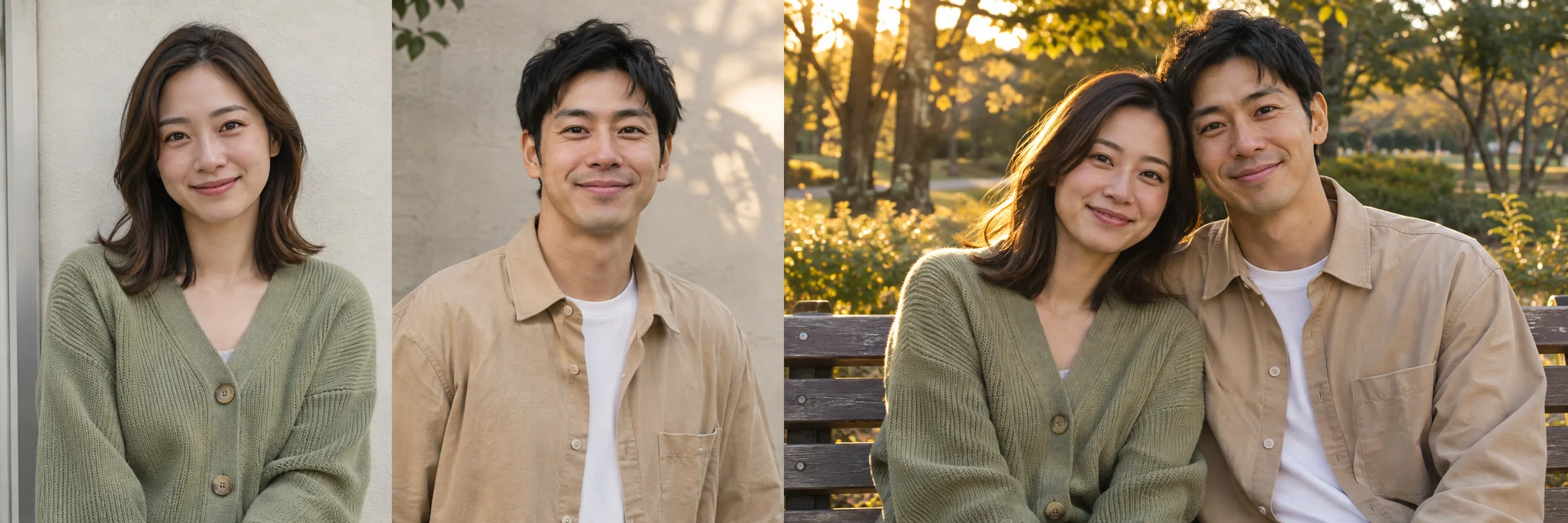
Fictional adult woman with shoulder-length dark hair and a sage cardigan, first portrait reference
Person A · image 1
Fictional adult man with short black hair and a sand-colored overshirt, second portrait reference
Person B · image 2
The two fictional reference adults sitting close together on a park bench in soft evening light
AI-generated photo
Create a natural photograph of the adult in image 1 and the adult in image 2 sitting close together on a park bench. Keep their faces distinct and recognizable. Match eye-level perspective and soft evening light. Exactly two people, no background people.
Best Friends Photo

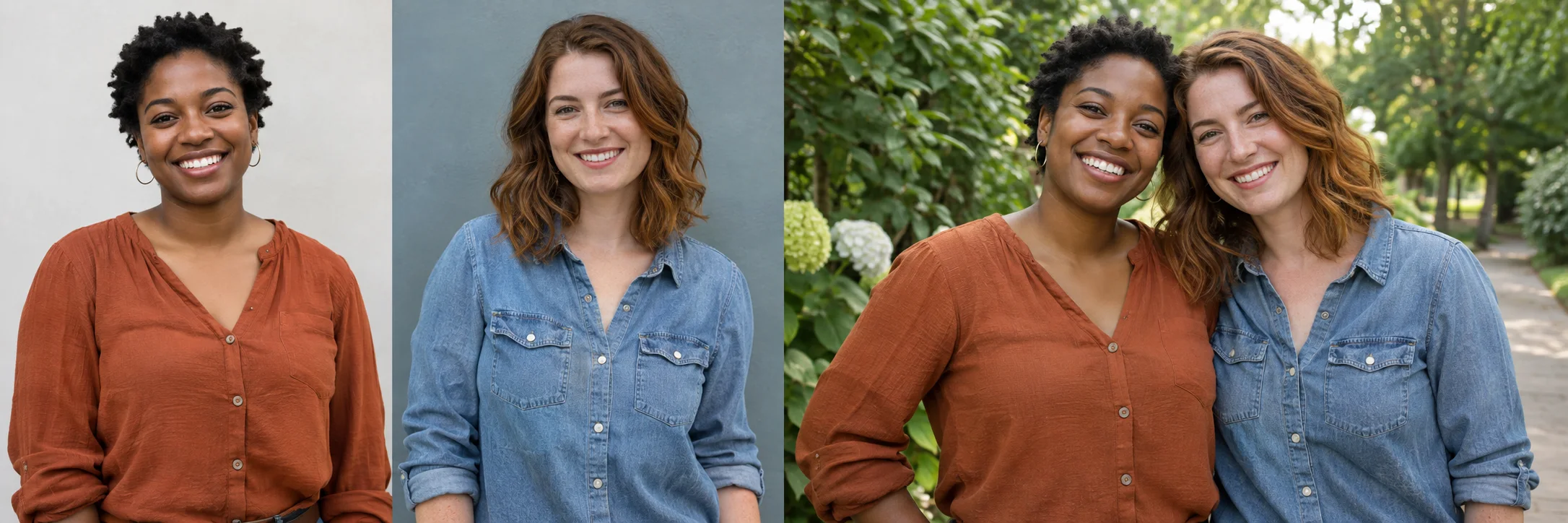
Put two friends together in one photo, standing side by side with matching daylight and distinct faces.

Fictional adult Black woman with short natural curls and a rust blouse, first friend reference
Person A · image 1
Fictional adult woman with wavy auburn hair and a blue denim shirt, second friend reference
Person B · image 2
The two fictional friends standing together on a leafy garden path, smiling toward the camera
AI-generated photo
Put the adult from image 1 on the left and the adult from image 2 on the right, standing side by side in a sunny garden. Keep both identities separate, with natural proportions and matching daylight. Exactly two people looking toward the camera.

Family Portrait

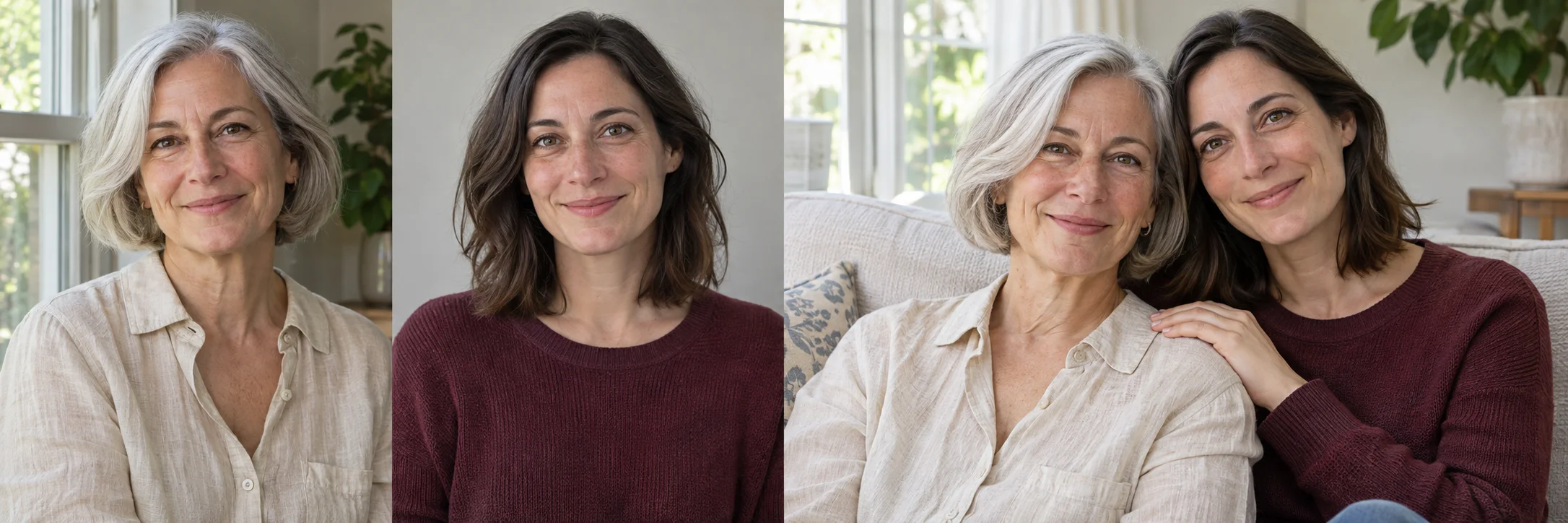
Combine adult family members from separate photos into a warm portrait, even when the originals were taken apart.

Fictional adult mother with a silver bob and cream blouse, first family portrait reference
Person A · image 1
Fictional adult daughter with dark shoulder-length hair and a burgundy top, second family reference
Person B · image 2
The fictional adult mother and daughter sitting together on a sofa in a bright living room
AI-generated photo
Combine the adult family members in images 1 and 2 into a relaxed family portrait, sitting together on a sofa in a bright living room. Keep their individual facial features and apparent ages recognizable. Use consistent scale, perspective and soft window light. Exactly two people.

Realistic Two-Person Portrait

Merge two people into one realistic photo with consistent lighting, perspective and proportions.

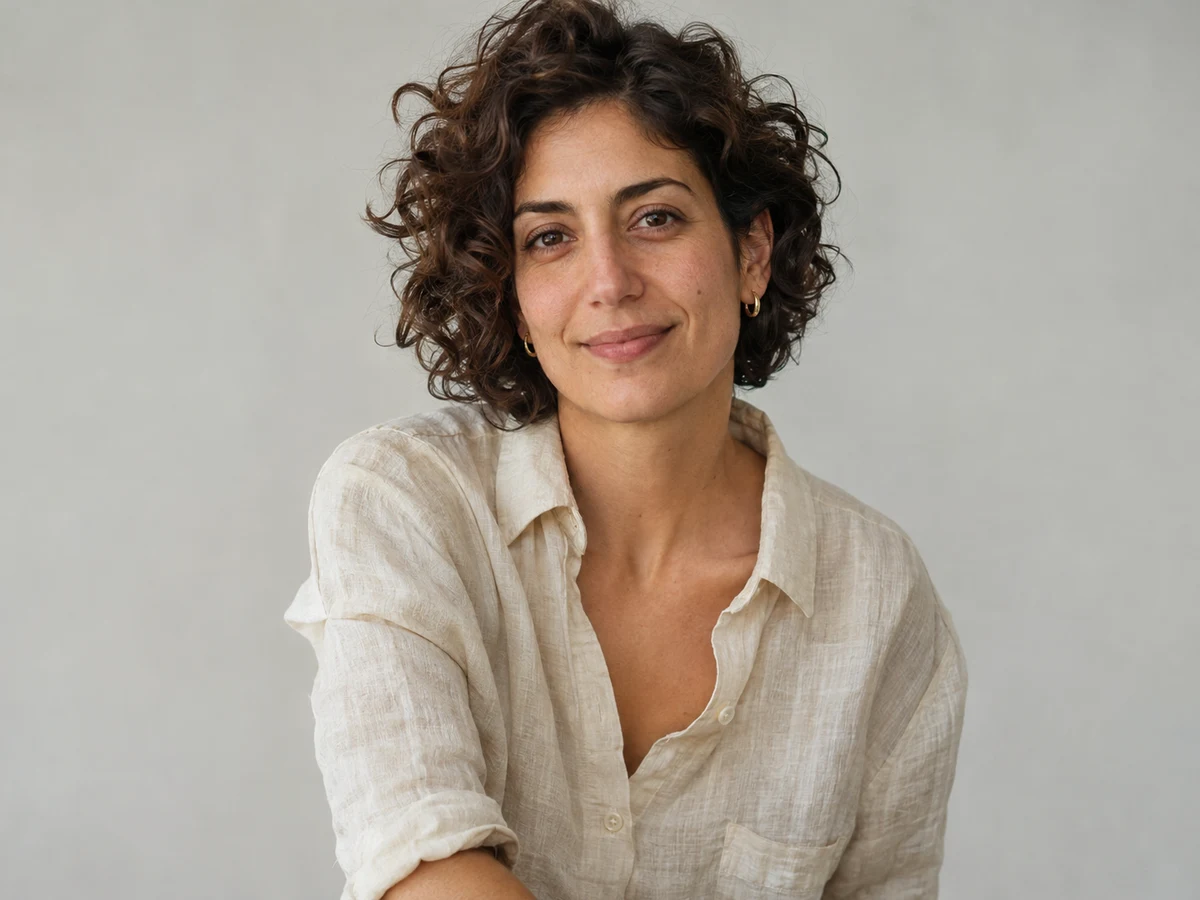
AI-created adult woman wearing a cream sweater, first portrait reference
Person A · image 1
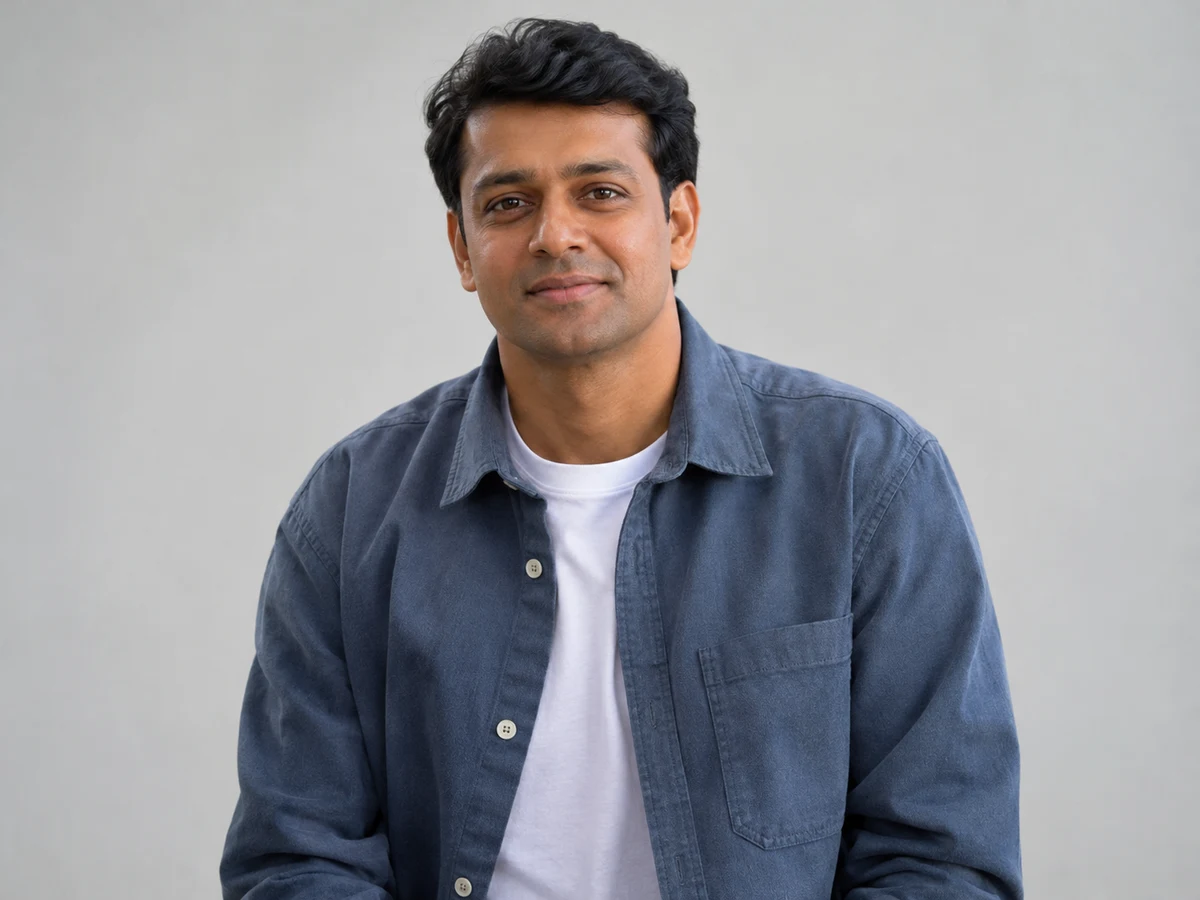
AI-created adult man wearing a blue shirt, second portrait reference
Person B · image 2
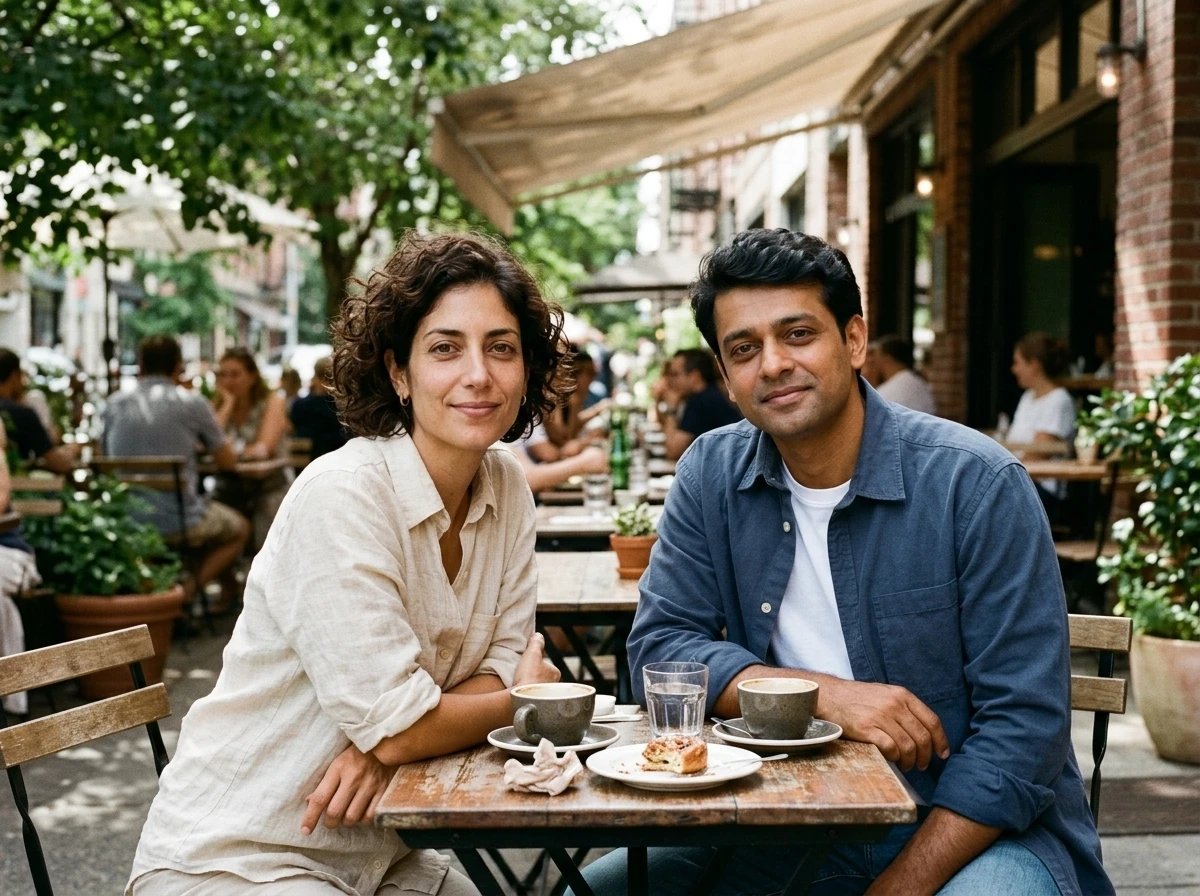
The two reference adults sitting at one cafe table with coordinated daylight and separate recognizable faces
AI-generated photo
Create a relaxed photo of the adult from image 1 and the adult from image 2 sitting at a cafe table together. Keep each person distinct and recognizable, with their own facial features and clothing. Match the daylight, perspective and proportions for a natural two-person portrait.

Choose a starting prompt, then make it yours. Applying a prompt keeps your uploaded photos and never starts generation.

How to Put Two People Together in One Photo

1. Upload one photo of each person

Use clear JPG, PNG or WebP portraits, up to 8 MB each. Similar camera angles and visible faces give the model a better starting point.

2. Choose a preset and adjust the prompt

Choose the preset that matches your idea. For a photo together, select Put Two People Together, then adjust its preset prompt to describe the scene, pose and positions you want.

3. Generate, inspect and download

Choose 1K for a 10-credit, two-photo attempt. Sign in, confirm permissions, then click Combine my images. Check both faces, hands and shadows before downloading the PNG.

For more detailed instructions and tips on choosing photos, read our step-by-step two-person photo guide.

How to Put Two People Together Without Changing Their Faces

Ask for two distinct, recognizable people rather than a blended face. AI generates a new picture and can change facial details; exact face preservation is not guaranteed.

  • Start with sharp, evenly lit faces. Avoid heavy filters, sunglasses and extreme angles; use similar framing for both people.
  • Name each reference separately: “person from image 1 on the left; person from image 2 on the right; keep their identities distinct.”
  • Zoom in on each face, then inspect hands, relative height and lighting. Simplify the pose or change a reference if the result looks wrong. A new attempt uses credits.
Read the face-preservation guide

Why Use Our AI Two-Person Photo Combiner?

Try your first photo free

New accounts receive 10 free signup credits, enough for one two-photo generation at 1K. No subscription is required to try it; further attempts and higher resolutions use more credits.

Natural-looking photos with Nano Banana 2.1

Powered by Nano Banana 2.1, the tool brings two portraits into one shared scene, coordinating lighting, perspective and proportions for a natural-looking photo together. Check both faces and small details before sharing.

Skip the manual cutouts

Upload one photo of each person and let AI compose the picture. You do not need to trace outlines, remove backgrounds or position separate layers by hand.

Make the scene your own

Start with a preset and adjust its prompt to describe the setting, pose and positions you want. Use a relaxed everyday photo or give your shared picture a more specific direction.

Create together in your browser

Select your photos, edit the prompt and generate online without installing photo-editing software. Your result appears in the same workspace for review.

Choose your resolution, download a PNG

Choose 1K, 2K or 4K before generating, then download the finished picture as a PNG. The tool shows the credit cost for your selected resolution before you generate.

Put Two People Together: Frequently Asked Questions

What to expect from two-photo AI portraits, from free trial credits to face changes.

Ready to make your photo together?

Bring two clear portraits and an idea for the scene. Start with the signup credits, then review your result before sharing.

Create our photo together

Use photos of consenting adults aged 18 or older. Public figures are not allowed. A generated image does not document a real meeting.